A closed test is not automatically free
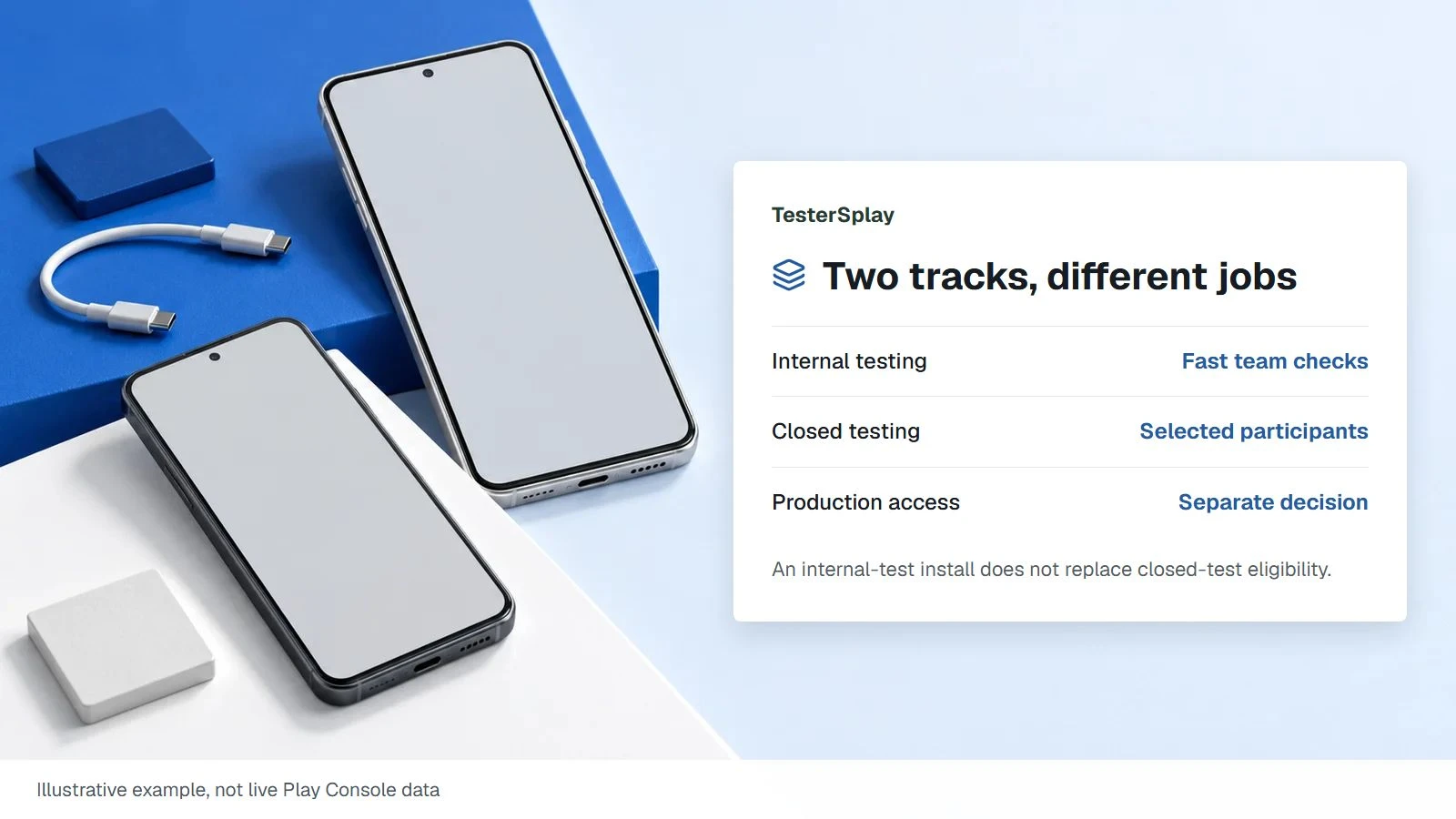
There are two separate costs to check: buying a paid app and buying products or subscriptions inside it. Google gives internal testers free access to paid app installations, but that exception should not be assumed for a closed track. Agree on installation access before onboarding testers.
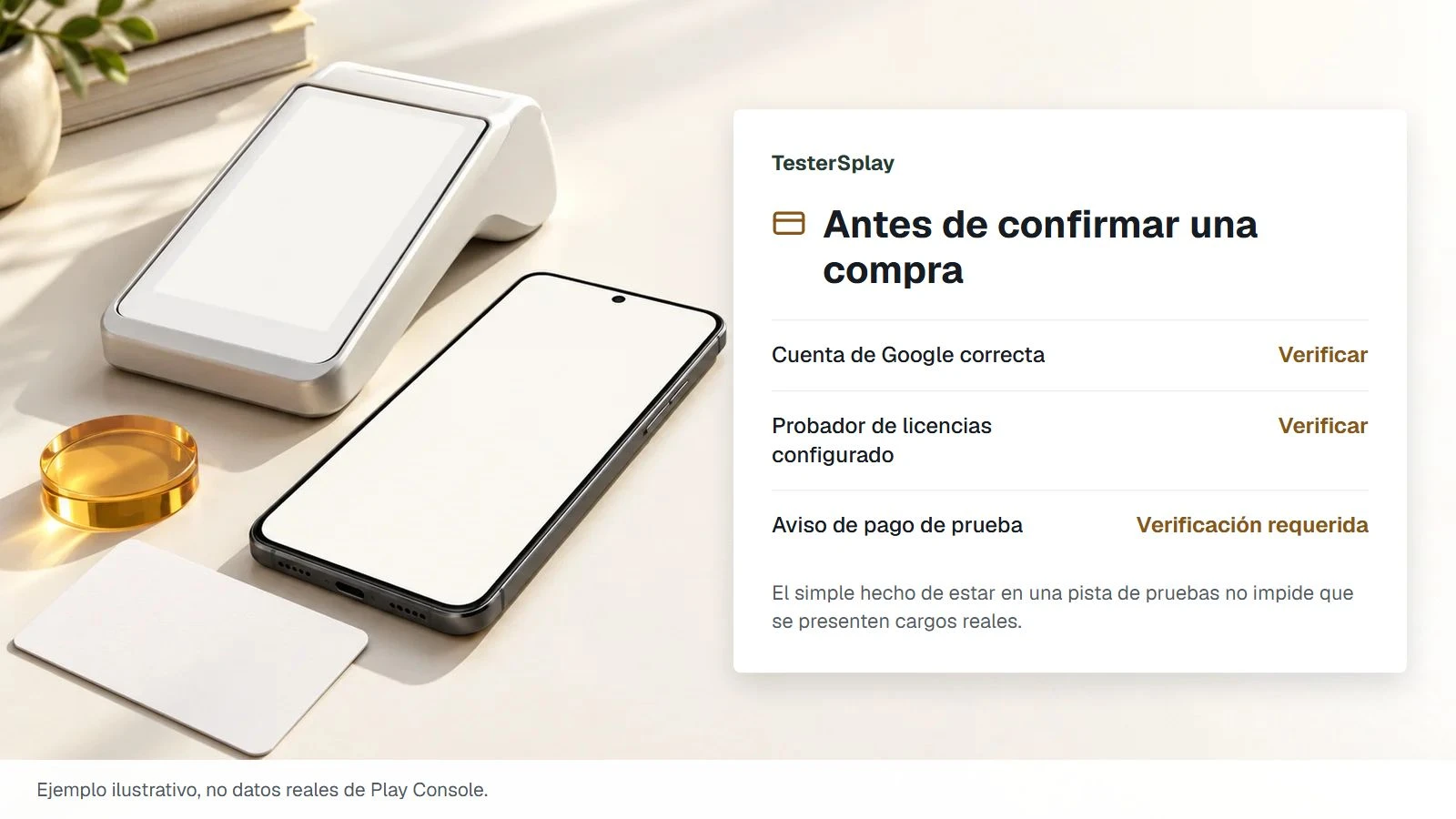
For in-app billing, an account on a testing track can still make a real purchase. License testers have access to test payment methods. Adding someone to a closed-test email list does not automatically configure that account as a license tester.
Verify the account and purchase dialog
- Configure the intended Google accounts for license testing in Play Console.
- Confirm that the device is using the correct account. On a device with multiple accounts, inspect the account shown in the purchase dialog.
- Open the product from the intended test build and verify the test-purchase notice and test payment method.
- Stop before confirmation if the dialog looks like an ordinary paid purchase and that charge was not explicitly agreed.
Do not ask testers to use someone else's payment card or send financial details through chat. Use dedicated app accounts and avoid exposing customer information while testing premium features.
Test more than the successful purchase
Check an approved purchase, a declined payment, a pending purchase, and restoration of access where relevant. Confirm that your app grants access only for the correct purchase state and that the backend handles acknowledgement and entitlement updates. A button that displays “success” is not sufficient evidence that the complete billing flow works.
License testing changes some subscription timings and behavior. Record the environment used so a rapid test renewal is not mistaken for production behavior. Have the developer validate real-world billing separately with an appropriately authorized account and budget.
Where promo codes fit
A valid promotion may help provide paid access, depending on the app and the kind of product. Confirm what the code unlocks, how to redeem it, and whether it has expired or already been used. A code for an in-app product does not necessarily pay for the app installation. Keep an allocation record without publishing redeemable codes.
Prepare safe test logins and discuss paid-feature access before starting a managed test.
Sources: Google Play Billing testing and test-track access.
Share this article