Choose the track for the job
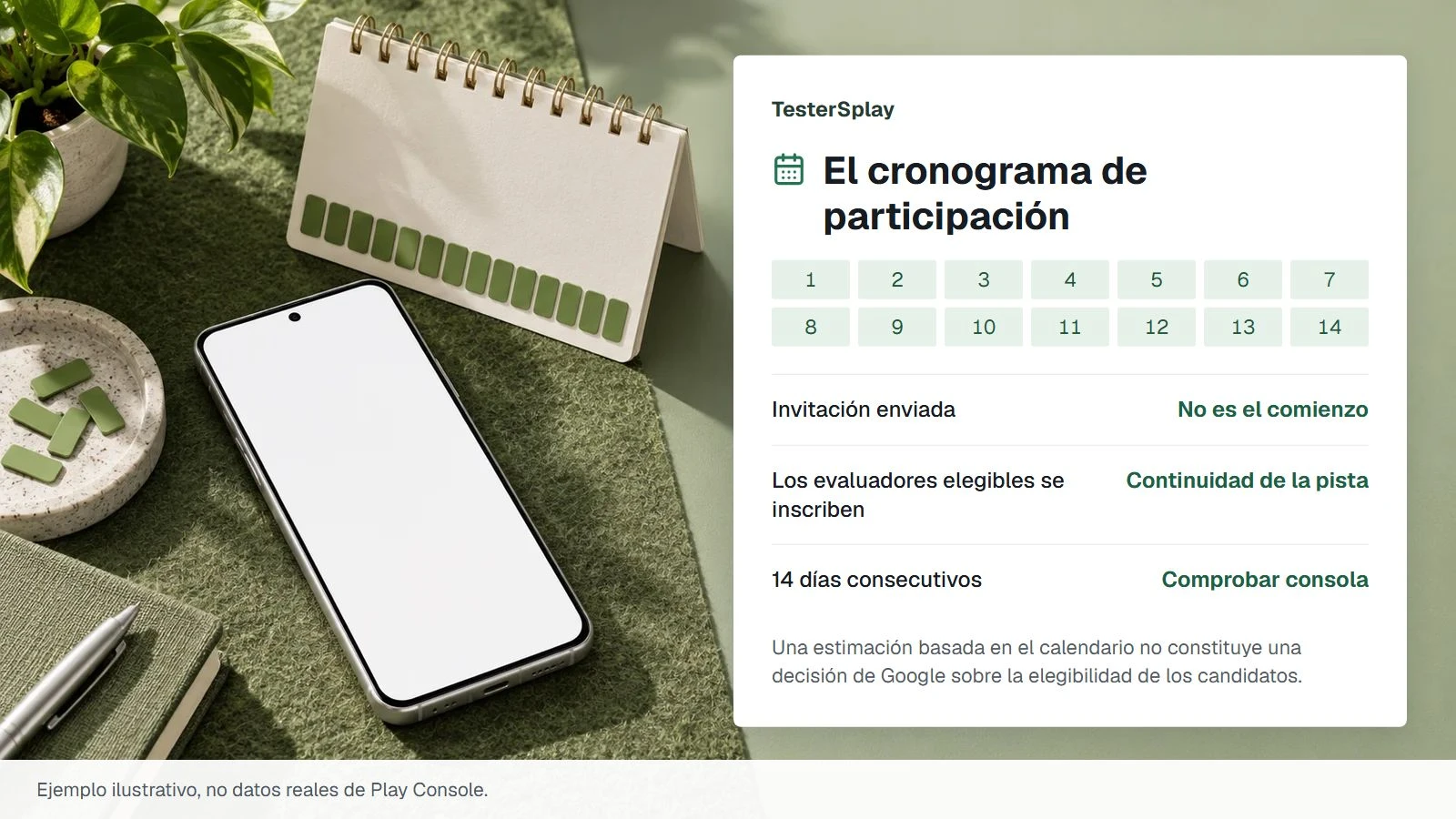
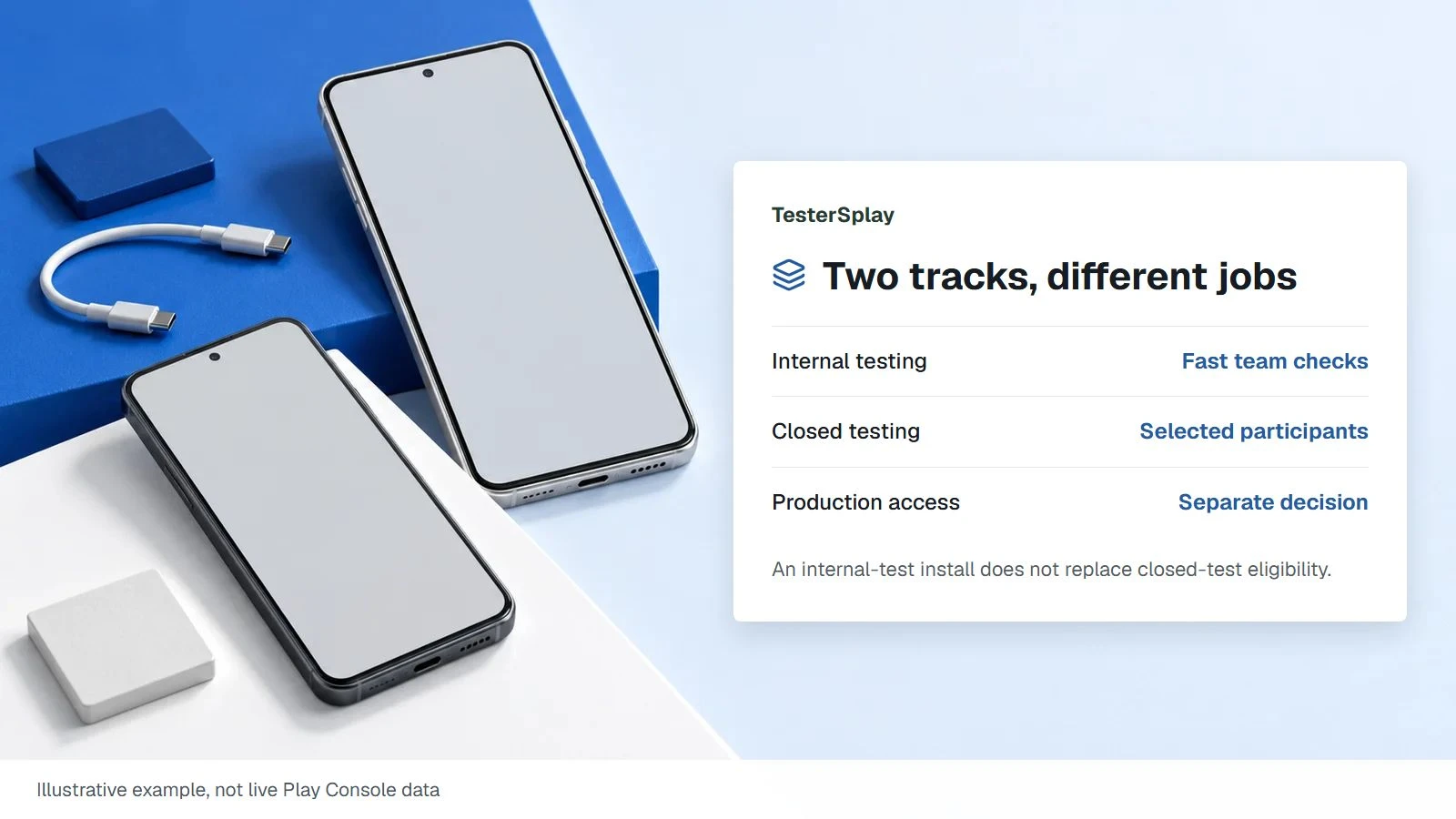
Internal testing is useful for a quick check with your team before a broader release. Closed testing distributes the app to selected participants and is the relevant track for the production-access requirement on affected new personal accounts. Publishing an internal build does not, by itself, satisfy that closed-testing requirement.
Keep the package name, track, version code, and intended audience in your handoff notes. Two links that open the same app can still enroll a tester in different tracks. Ask which track the account has actually joined when a participant sees an unexpected build.
Compare access, not just speed
| Detail | Internal test | Closed test |
|---|---|---|
| Typical use | Early team or QA checks | Selected external participants |
| Google limit | Up to 100 internal testers | Audience configured for the track |
| Paid app install | Internal testers can install free | Plan purchase or authorized access |
| Required closed-test period | Does not replace it | Applies to eligible personal accounts |
Do not generalize internal-testing exceptions to closed testing. Country access and payment behavior can differ. Confirm availability on the track you will actually use for the required test.
Move a tester deliberately
Google explains that an account opted into an internal test must leave that internal test before joining an open or closed test. If a tester is already in your internal group, ask them to use the proper opt-out and opt-in links. Then confirm the account, the visible build, and that installation succeeds.
For a closed track using a Google Group, joining the group and accepting the opt-in are separate steps. With an email list, verify the exact address configured in Console. An app login created inside your product does not grant Play Store access.
Hand off one clear path
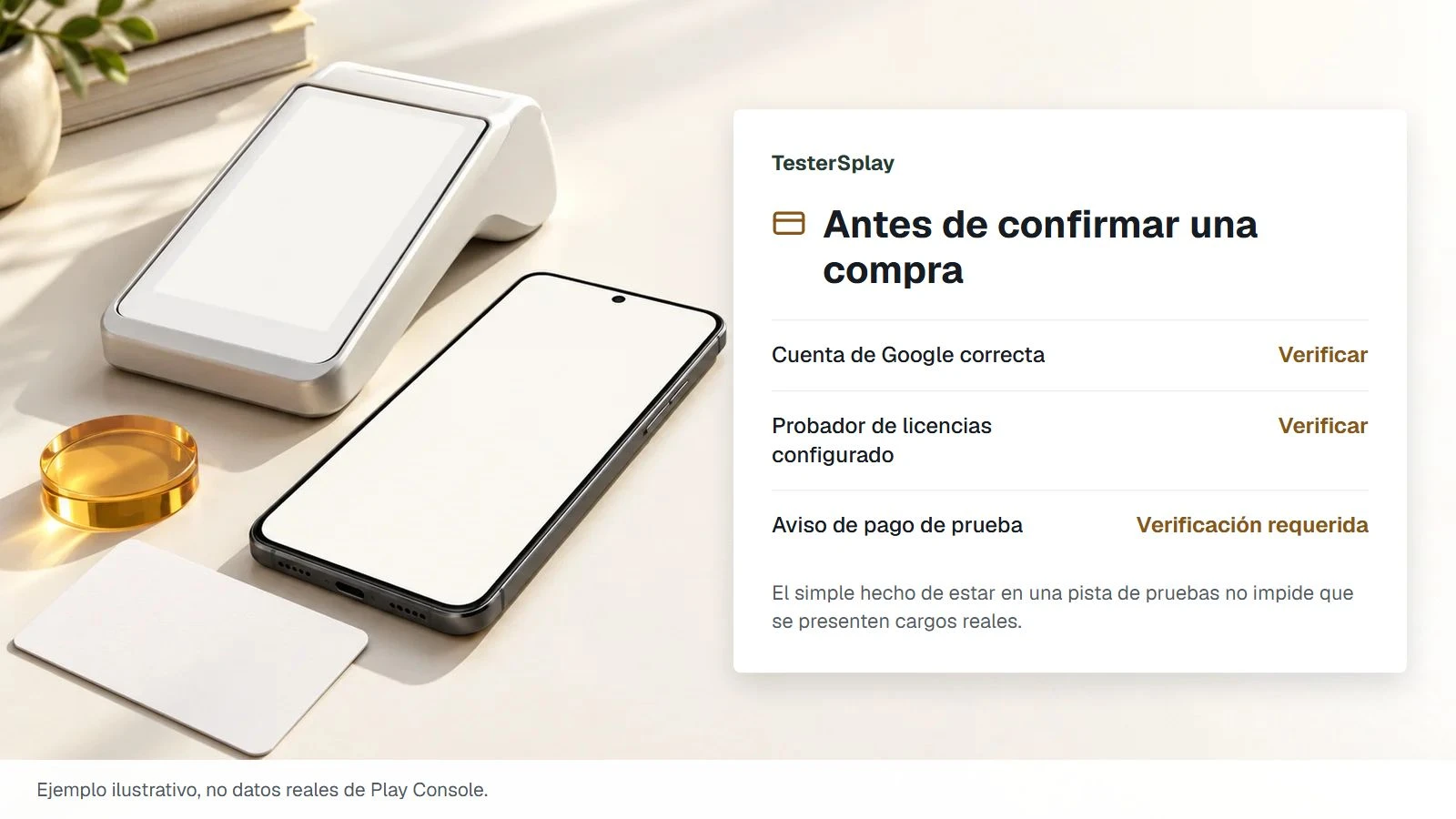
Send the intended track name, opt-in URL, supported countries, test-login instructions, and the build to expect. Collect feedback privately. Test versions are not a way to obtain public store reviews, and tester coordination must not be sold as guaranteed production approval.
Prepare your tester email list and compare managed closed testing.
Source: Google's test-track documentation.
Share this article