The Problem: 20 Testers for 14 Days
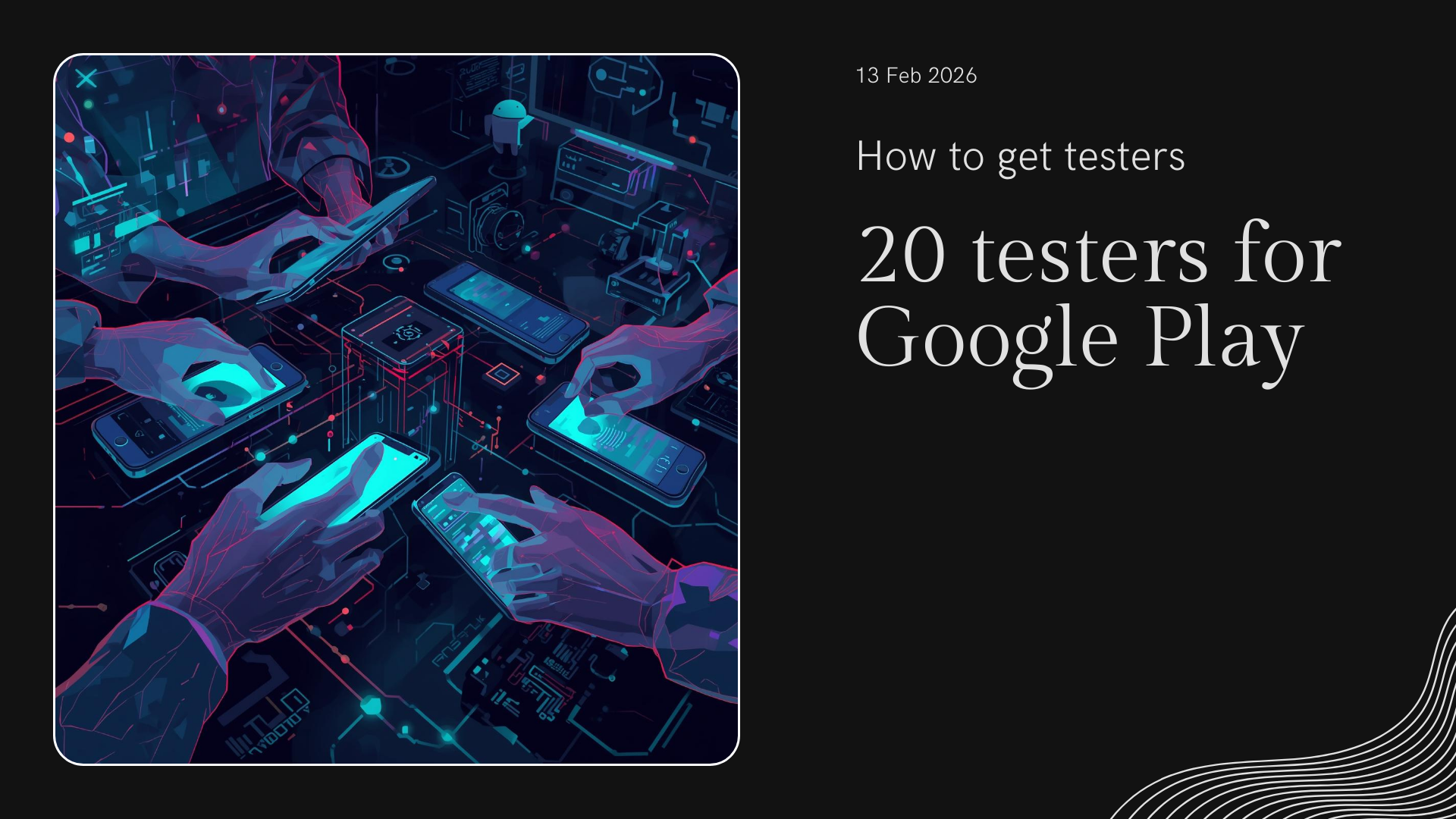
If you're an Android developer looking to publish your app on Google Play, you've probably run into the Closed Testing requirement: you need 20 real testers actively using your app for 14 consecutive days before you can move to production.
This can be a massive headache, especially if you're an indie developer or just starting out. Where do you find 20 people willing to install your app and open it every day for two weeks?
Why Does Google Require This?
Google implemented this requirement to:
- Filter out low-quality apps that nobody uses
- Reduce spam on the Play Store
- Ensure apps work properly with real users before launch
- Protect users from potentially harmful apps
Method 1: Ask Friends and Family
The most obvious option, but also the hardest. You need 20 people to:
- Join your Google Group
- Accept the testing invitation
- Install the app from the testing link
- Open the app at least once a day for 14 days
The reality is that most of your friends will forget after day 3.
Method 2: Developer Communities
You can look for testers in:
- Reddit forums like r/androiddev
- Discord developer servers
- Telegram developer groups
The problem is that it's hard to coordinate 20 strangers and ensure they complete the full 14 days.
Method 3: Testing Services (Fiverr, etc.)
There are services on Fiverr and other platforms that offer testers. Warning: many use bots or fake accounts, which violates Google's policies and can result in your developer account being suspended.
Method 4: TesterSPlay (Recommended)
TesterSPlay is a collaborative beta testing platform designed specifically to solve this problem. It offers two modes:
Managed Testing (US$15 or US$30)
- Choose Basic Managed for US$15 or Guaranteed for US$30
- Coordinate tester access and receive setup instructions through private chat
- Complete the 14-day testing period after access is available and testers join
- Final production approval is decided by Google
Free Mode (Cross-Testing)
- No money required
- You test other developers' apps
- Other developers test your app
- Perfect for students and indie devs
Why Is It Better Than Other Options?
- No bots: Only verified human testers
- No fake reviews: Ratings are never manipulated
- Auto-expulsion: Inactive testers are automatically replaced
- 100% Google Play compliant: Follows all policies
Step-by-Step with TesterSPlay
- Create your account at testersplay.com
- Submit your app with your Google Play testing link
- Choose your mode: Reward or Free
- Wait 14 days while testers use your app
- Publish to production with the requirement met
Tips to Pass Closed Testing Faster
- Have your app ready before looking for testers (no critical crashes)
- Create the Google Group before publishing on the platform
- Respond to testers if they report issues
- Don't change the testing link during the 14 days
Conclusion
Getting 20 testers doesn't have to be a roadblock. With the right tools, you can meet the Closed Testing requirement in exactly 14 days and publish your app to production.
Have questions? Email us at soporte@testersplay.com or use our contact form.
Share this article