First, identify what was rejected
A request for production access can require more testing even after the tester-count and duration checks are met. That is different from a release rejected for a specific policy violation. Read the message in Play Console and the associated email before choosing a response. A policy issue needs the remedy described in that notice, not simply a larger tester list.
For the affected personal accounts, the minimum is 12 continuously opted-in testers for 14 days. Meeting that threshold allows an application; it does not make approval automatic. Do not assume that buying another plan or resubmitting the same answers will resolve the underlying concern.
Keep the test useful while you investigate
Keep access available and ask testers to exercise real workflows: first launch, registration, the core action, saved data, and relevant failure states. Ask for a reproducible report when a flow fails. Avoid instructions that merely tell everyone to open the app for a fixed number of seconds; activity without useful feedback does not explain readiness.
Create a short issue log with four fields: the problem, the affected workflow, the fix, and the verification result. Include build versions and dates so the history is understandable. Remove personal information from shared evidence and use dedicated test accounts.
Prepare a specific second application
| Question | Useful evidence |
|---|---|
| What did testers do? | The workflows they actually completed |
| What feedback arrived? | Concrete issues or usability observations |
| What changed? | Fixes linked to the relevant reports |
| Why is the app ready? | Retesting results and remaining limitations |
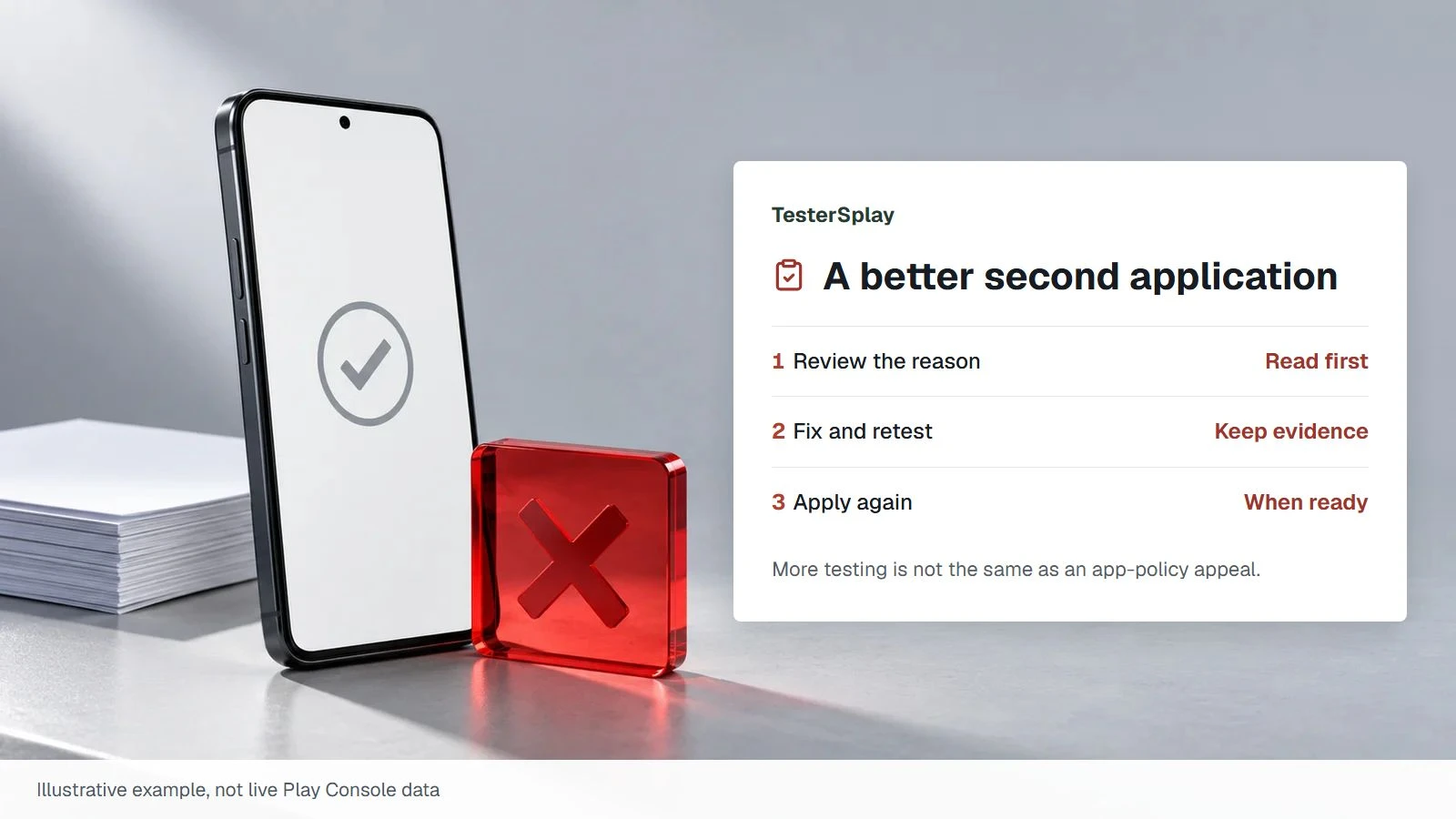
Use your own testing history. Do not copy a template claiming changes you never made. If Google asks for additional testing, follow the instructions and timing displayed in your Console; there is no universal shortcut or guaranteed second-application date.
Decide what help you need
Tester coordination can help maintain coverage and communication. It cannot change Google's decision or substitute for fixing the app. Before paying for additional work, clarify whether the blocker is access, participation, technical quality, or a separate policy requirement.
Organize the evidence from your test and compare managed coordination.
Source: Google's production-access process.
Share this article