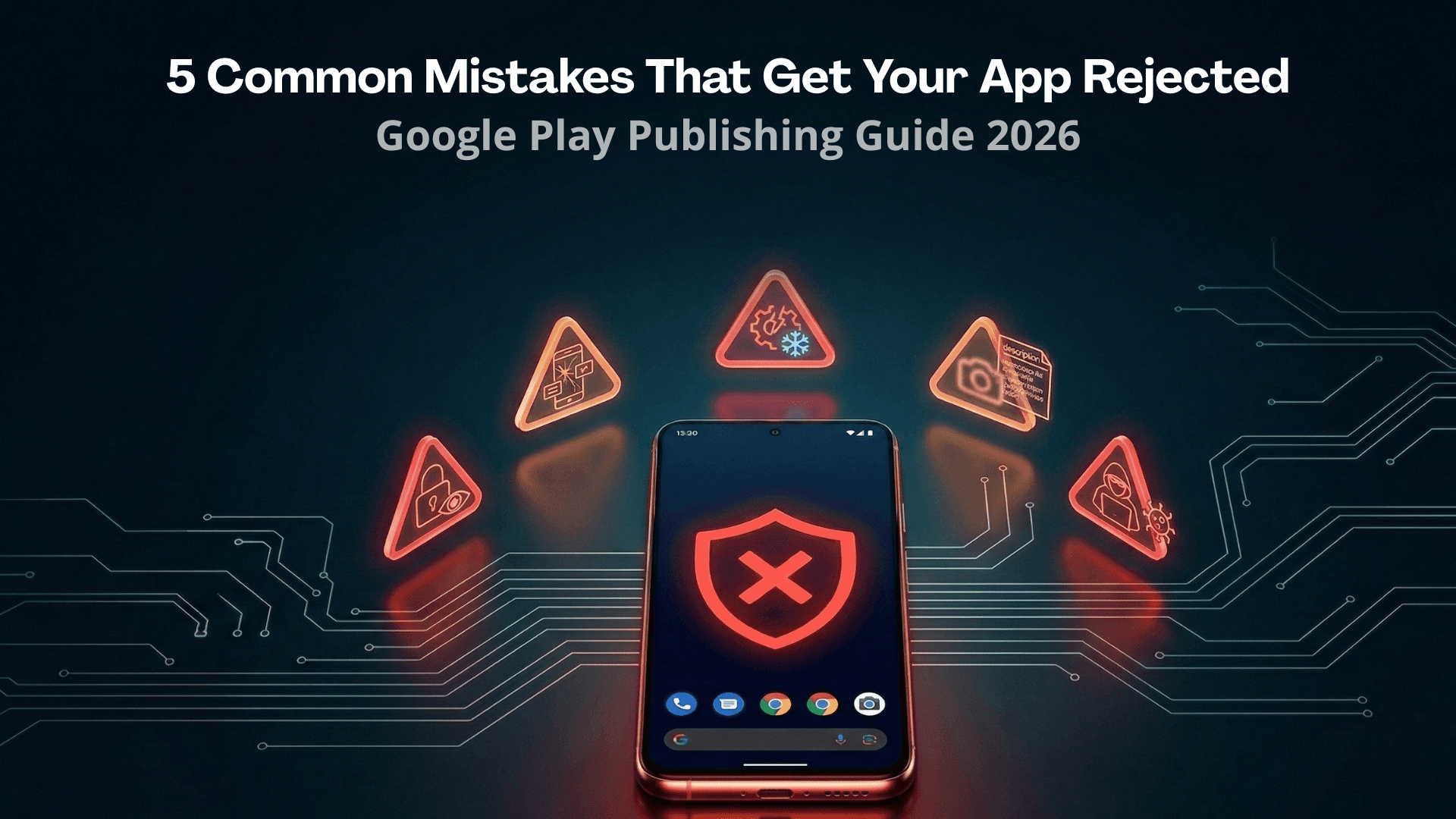
5 Common Mistakes That Get Indie Apps Rejected on Google Play
Publishing an app on Google Play should be exciting, but for many indie developers, the process turns into a frustrating cycle of submissions and rejections. Understanding the most common reasons apps get rejected can save you weeks of back-and-forth with Google's review team.
In this article, we'll cover the five most frequent mistakes that lead to app rejections and provide actionable advice on how to avoid them.
Mistake #1: Skipping or Rushing the Closed Testing Phase
Since 2023, Google requires all new developer accounts to complete a Closed Testing period before publishing to production. This is by far the most common stumbling block for first-time developers.
What goes wrong:
- Using bots or fake accounts: Some developers try to shortcut the process by purchasing bot testers. Google's systems are sophisticated enough to detect artificially generated app opens and installs. Getting caught can result in permanent account termination.
- Not enough testers: Google recommends 20 active testers. Having fewer significantly increases your chances of rejection or extended review.
- Testers who don't actually use the app: Simply installing the app isn't enough. Testers need to open and interact with the app regularly throughout the 14-day period.
How to avoid it:
TesterSplay offers Basic Managed testing for US$15, Guaranteed testing for US$30, and free cross-testing. Managed plans are coordinated through a private chat. Free mode relies on exchanging tests with other developers. Access must be configured and approved before testing begins; Google makes the final production-access decision.
Mistake #2: Inadequate Privacy Policy
Google requires ALL apps to have a privacy policy, regardless of whether they collect personal data. This policy must be:
- Accessible via a public URL (not a local file or PDF)
- Written in the same language as your app (or at least in English)
- Comprehensive — covering what data you collect, how you use it, third-party sharing, and user rights
- Linked in both your Play Store listing AND within your app
What goes wrong:
- Developers forget to add a privacy policy entirely
- The privacy policy URL returns a 404 error
- The policy doesn't mention all data the app actually collects (especially analytics, crash reporting, and ad SDKs)
- The policy is a generic template that doesn't match the app's actual data practices
How to avoid it:
Create a privacy policy specific to your app. Free tools like Termly, PrivacyPolicies.com, or even a simple GitHub Pages site work well. Make sure to list ALL data collection, including third-party SDKs like Firebase Analytics, AdMob, Crashlytics, etc.
Mistake #3: Requesting Unnecessary Permissions
This is a red flag for Google's review team. If your calculator app is requesting camera, microphone, and location permissions, expect a rejection.
What goes wrong:
- Developers include permissions from tutorials or boilerplate code that their app doesn't actually need
- Libraries and SDKs bring in permissions through their manifests that the developer doesn't even know about
- Some permissions (like MANAGE_EXTERNAL_STORAGE or USE_EXACT_ALARM) require justification forms
How to avoid it:
- Audit your AndroidManifest.xml: Remove any permissions your app doesn't actively use
- Check merged manifests: Use Android Studio's Merged Manifest view to see all permissions, including those from libraries
- Justify when required: Some permissions require you to fill out a declaration form in Play Console. Do this proactively.
- Follow the principle of least privilege: Only request what you absolutely need
Mistake #4: Missing or Incorrect Data Safety Section
Google's Data Safety section is mandatory and must accurately reflect your app's data practices. This is separate from your privacy policy.
What goes wrong:
- Developers declare "No data collected" when their app uses Firebase, Google Analytics, or ad SDKs (which DO collect data)
- Mismatch between what's declared in Data Safety and what's in the privacy policy
- Not declaring device identifiers or diagnostics data
- Forgetting to mention third-party data sharing
How to avoid it:
- Map all data flows: Document every piece of data your app collects, stores, or shares
- Check SDK documentation: Most popular SDKs document what data they collect
- Be honest: It's better to over-declare than under-declare
- Update regularly: If you add new SDKs or features, update the Data Safety section
Mistake #5: Low-Quality Content or Functionality
Google rejects apps that don't provide genuine value to users. This is increasingly common with AI-generated apps and templates.
What goes wrong:
- Minimal functionality: The app doesn't do anything meaningful
- Copied content: The app is essentially a webview wrapper around a website
- Placeholder screens: Having "Coming Soon" sections or empty pages
- Broken features: Features that crash or don't work as described
- Misleading descriptions: The app doesn't match what's described in the store listing
How to avoid it:
- Test thoroughly: Have real people use your app before submitting (another reason Closed Testing is valuable!)
- Ensure all features work: Every button, screen, and interaction should function correctly
- Provide real value: Ask yourself: "Would I actually use this app?"
- Remove incomplete features: It's better to launch with fewer features that all work than many that don't
Bonus: Tips for a Smooth Review Process
- Be patient: Reviews can take 1-7 days. Don't submit multiple versions while waiting.
- Respond to feedback: If Google asks for clarification, respond thoroughly and promptly.
- Appeal rejections: If you believe a rejection is wrong, use the appeal process in Play Console.
- Keep your app updated: Regular updates signal to Google that you're an active developer.
- Monitor your inbox: Google sends important notifications to your developer email.
Conclusion
Getting your app published on Google Play doesn't have to be a nightmare. By understanding and avoiding these common mistakes, you can significantly increase your chances of a smooth approval process.
Remember: Google's requirements exist to protect users and maintain the quality of the Play Store ecosystem. Embracing these requirements rather than trying to circumvent them will serve you well in the long run.
Ready to publish? Start with proper testing, get your documentation right, and your app will be on the Play Store before you know it! 📱
Share this article